A surface to settle on.
The flatter upper section gives the cockpit its horizontal line. Bar tape and hand position shape how it feels.
From the curve beneath your hands to the smallest part below the stem. A closer connection starts here.
Explore the cockpit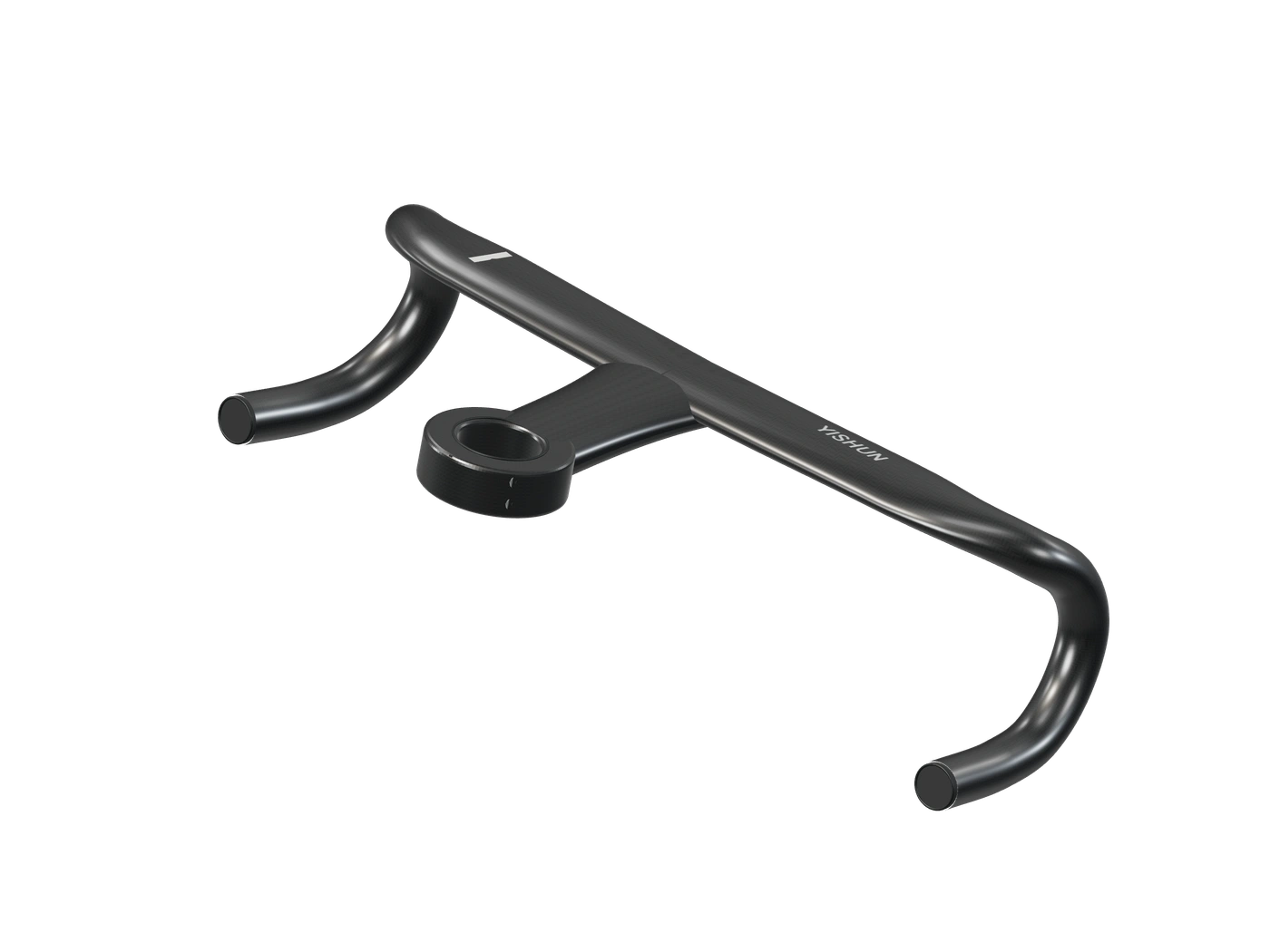
The cockpit is where a bicycle becomes personal.
It meets your hands on the easy kilometers and holds your attention when the road asks more. Its shape, position and relationship with the rest of the bike all belong in the same conversation.
Start with the whole connection. Then look closer at every part.
Form is only the beginning.
Fit brings it together.
The upper wing, stem and drops read as one object. Each surface has a different relationship with the rider.
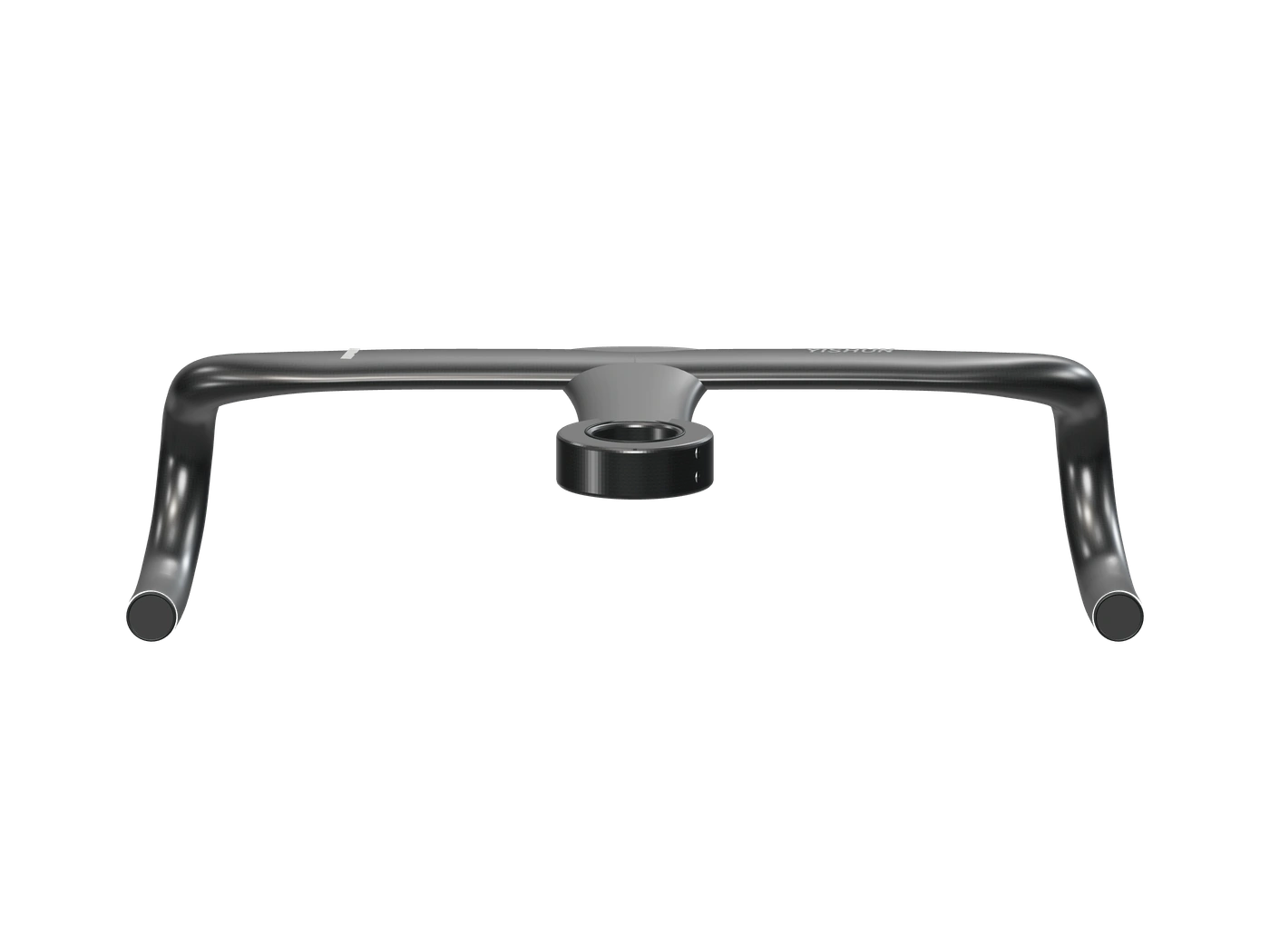
The flatter upper section gives the cockpit its horizontal line. Bar tape and hand position shape how it feels.
The stem flows into the bar. That integration makes the choice of width and reach a decision to consider together.
The drops bring the grip lower. Reach to the levers and clearance deserve attention from this position too.
Three positions. Check comfort and control in each.
An alternative grip along the upper wing. Brake levers are out of reach from this position.
At the lever shoulders. Match bar rotation and lever placement to a comfortable, supported wrist position.
A lower grip on the curve. Check brake reach and forearm clearance from here.
Carbon is a material system. Fiber orientation, resin, geometry and manufacturing all contribute to how a finished component behaves.
A visible weave tells only part of that story. Weight, stiffness and test results need model-specific evidence.
Visit YISHUN for product information (opens in a new tab)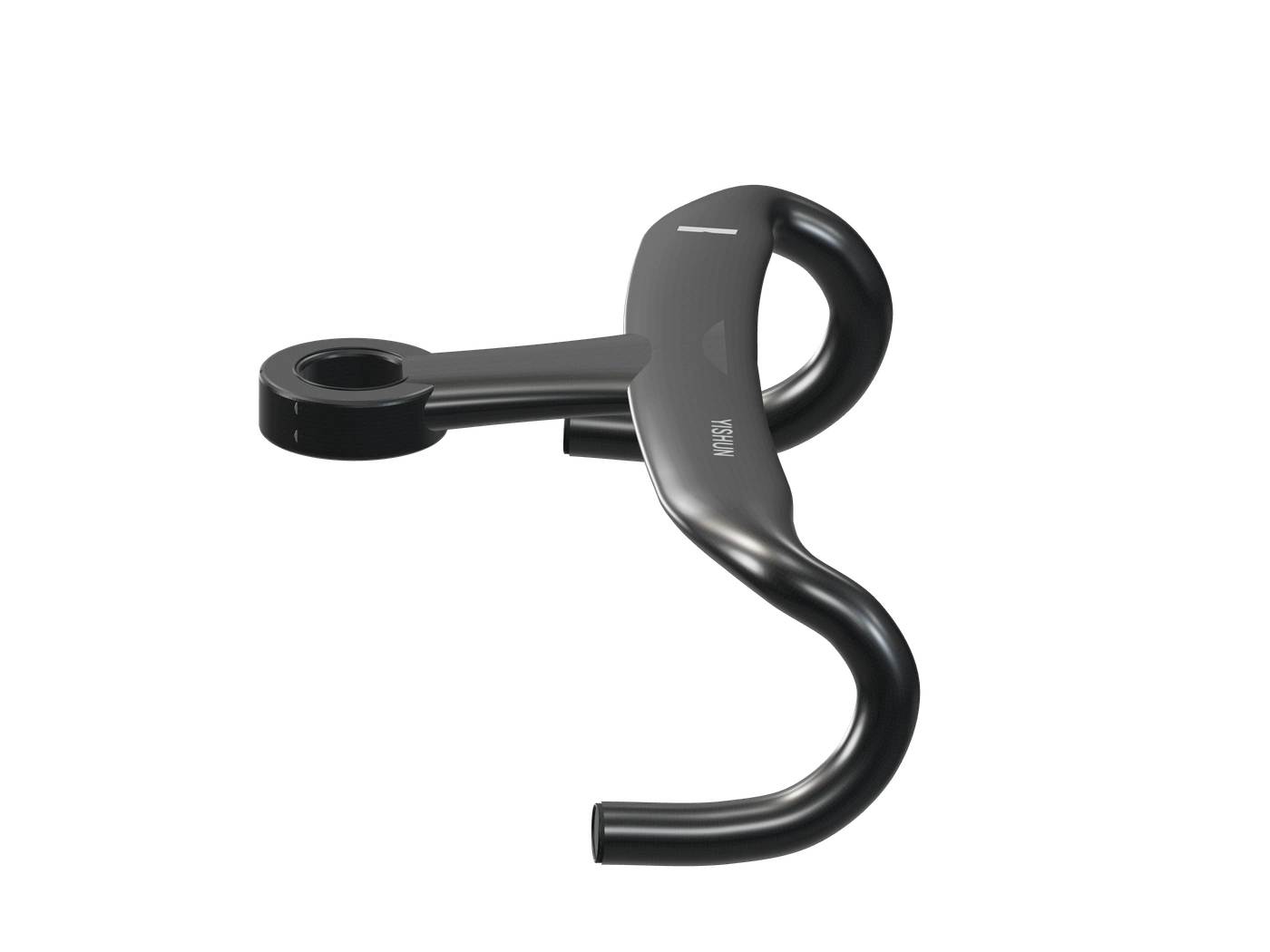
Compatibility lives between components. Follow the connection from the handlebar to the frame before deciding on a setup.
Confirm the exact model, steerer interface and routing requirements.
Check the profile, stack arrangement and path for hoses or cables.
Identify the frame year, top cover and headset parts as well as the brand.
Confirm routing, service access and lever compatibility with your mechanic.
Compare profiles. Turn a model in your hands. Find the right file without searching through a folder of unfamiliar names.
Open the spacer library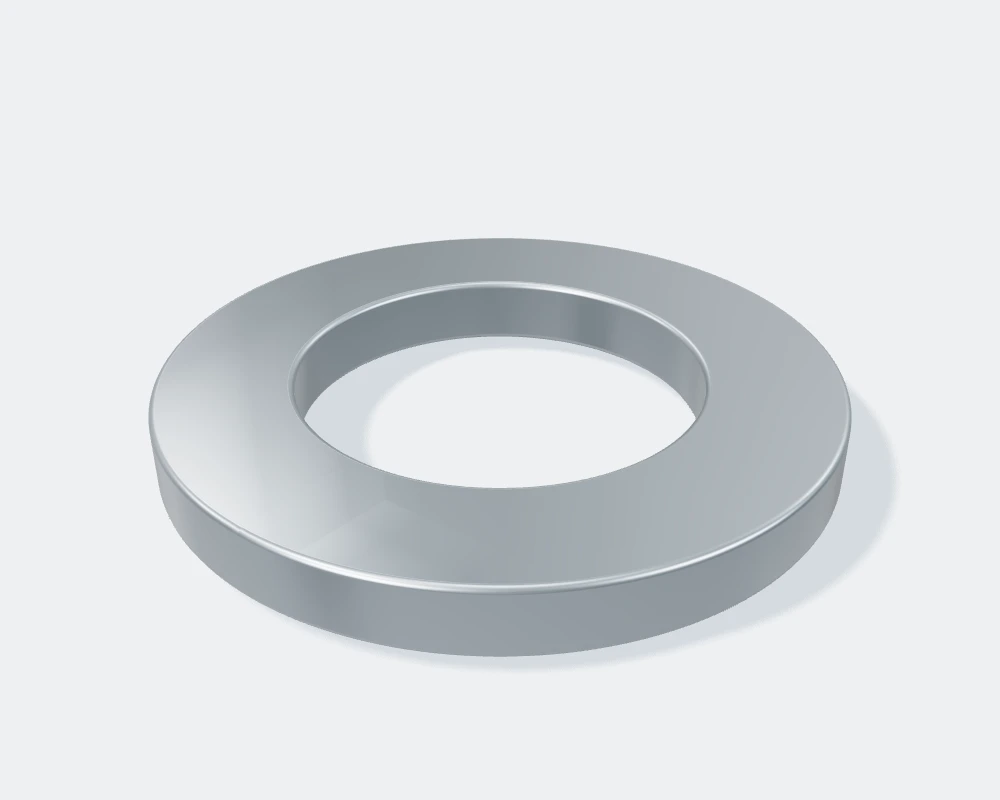
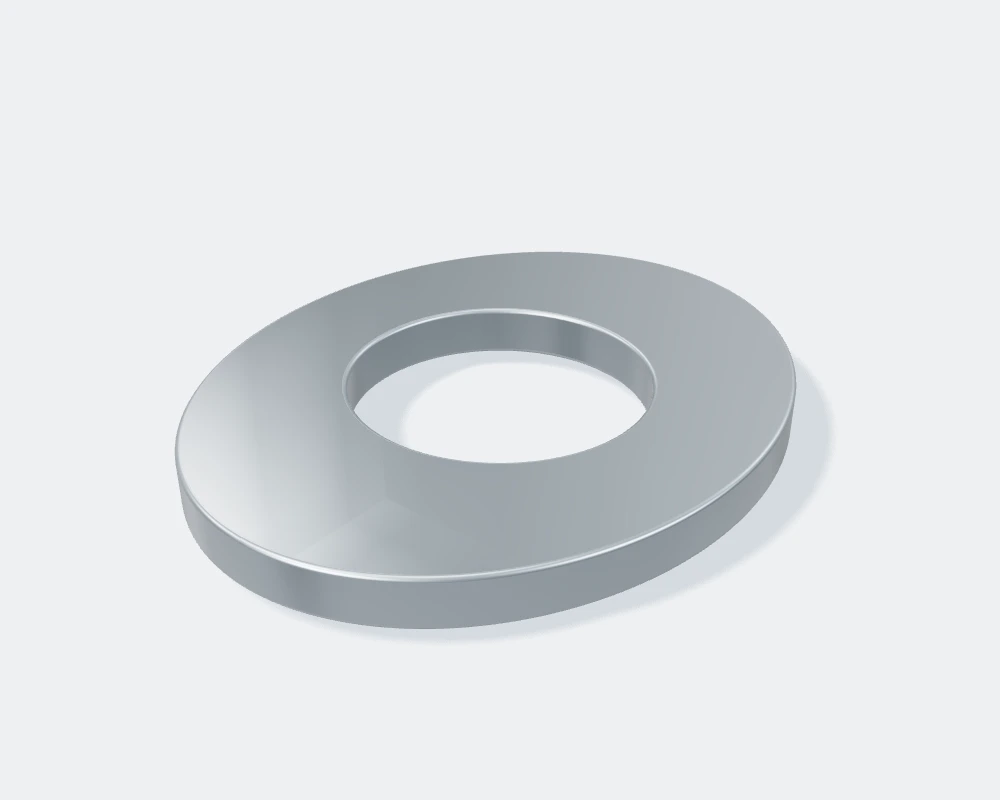
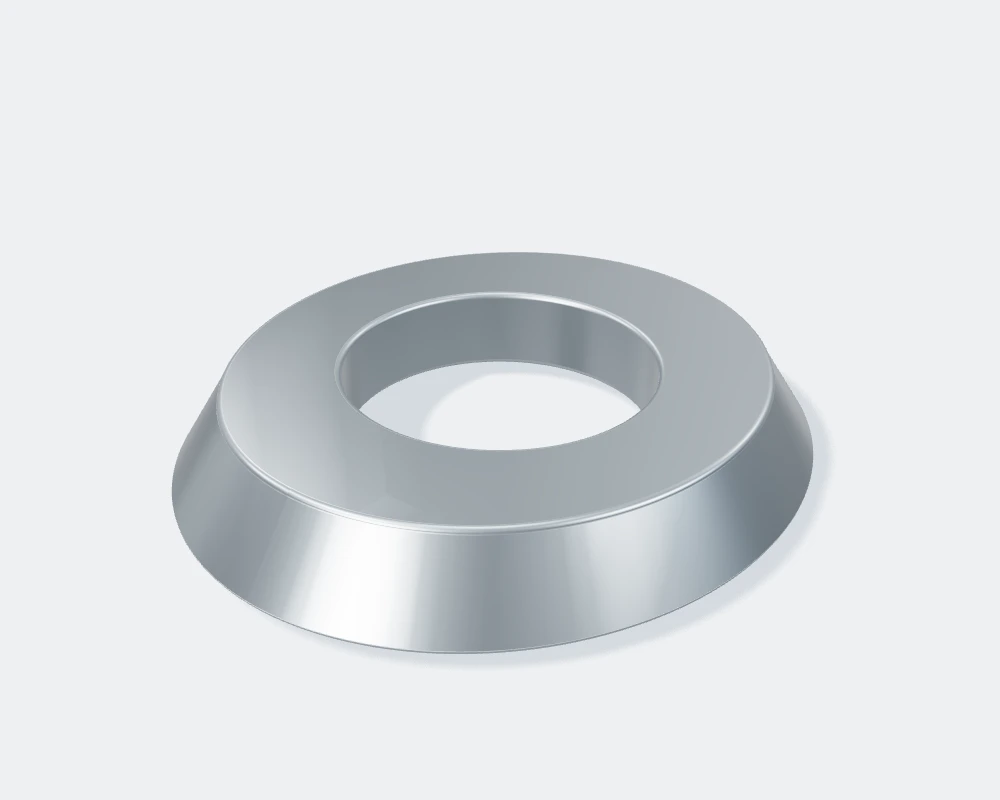
Demonstration geometry for viewing and download. Compatibility with a real bicycle is not verified.
A useful fit conversation starts with a record of what you ride now, what feels right and what you want to change.
Create your fit briefIdentify your frame model, model year, headset and cockpit first. Then compare the interface, cable path and spacer shape. A matching silhouette is useful for browsing, but it does not establish mechanical compatibility.
This site is a design concept. The cockpit renders illustrate form, and the spacer library uses demonstration geometry. Model-specific dimensions, manufacturing data and compatibility approval need to come from the component and frame manufacturers.
Open the demo models in a compatible 3D viewer or CAD application to explore their geometry. The files support the browsing experience; they are not approved manufacturing files or components for use on a bicycle.
Yes. The cockpit page lets you record width and stem preferences, add your bicycle model and download a fit brief. It is a useful starting point for a conversation with a fitter or supplier, rather than a fit recommendation or order.
Explore the cockpit.
Then connect the details.